The Minecraft addon maker you can talk to

Type your idea in plain words. AddonsAI builds the behavior pack, scripts and cover art. Your first addon is free.

Built by players, in this chat

Real addons from the community. Open one to see its page, its creatures and the prompt behind it.

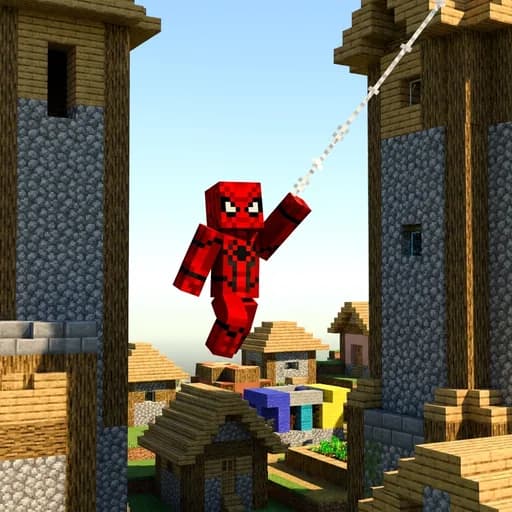
Cover of the Spider Man Suit addon
Spider Man Suit

This addon lets you become Spider-Man, sling webs and swing through the world with the powers of your favorite hero. Hold the Spider-Man charm to transform into Spider-Man, and use the revert charm to turn back into yourself. Craft a web shooter to fire sticky webs at your enemies, and craft the spider mask, chestplate, leggings and boots using string for a full spider suit. All the charms and gear are crafted or found in the creative inventory, no cheats needed.

Cover of the Plane and Car addon
Plane and Car

This addon adds a sports car and a plane you can drive and fly across your world. Place the sports car or plane item on the ground to spawn it, then ride it by interacting with it like a boat. Craft the sports car from iron ingots, redstone, an iron block and black wool, and craft the plane from iron ingots, feathers and an iron block. Both vehicles can also be summoned with a spawn egg from the creative inventory.

Cover of the Tnt Plus 2 addon
Tnt Plus 2

Tnt Plus 2 adds three stronger explosives to craft: 2x TNT, 5x TNT and Nuclear TNT, each with its own animated pulsing texture and light glow. Place any of them like normal TNT and ignite it with flint and steel or a redstone signal to trigger the bigger blast. The nuclear block leaves behind a lingering radiation cloud that damages any player standing in its radius until the radiation fades away over time. Craft the 2x TNT from vanilla TNT and gunpowder, then combine it further up the chain to reach 5x and finally the nuclear charge.

Cover of the Awesome Weapons 2 addon
Awesome Weapons 2

Awesome Weapons 2 arms you with a rifle, a desert eagle, a p90 and a sharp combat knife, each with its own detailed model and firing animations. Hold the rifle, desert eagle or p90 and use it to fire with full reload animations, while the combat knife swings like a sword for close combat. Get these weapons through the creative inventory under the equipment category and start building your own arsenal right away.

Cover of the Furniture addon
Furniture

This addon adds storage drawers, a stove, a bookshelf, a TV, lamps, and two styles of chairs to your world, all with a vanilla look. Right-click the chair or Gaming Chair to sit down, and right-click the lamp, stove, or TV to turn them on or off. Right-click the Storage Drawer to open its inventory, and right-click the stove to place items on top for a cool cooking look. Find all these blocks in the construction category of your creative inventory.

Cover of the Rennautos addon
Rennautos

Rennautos bringt drei fahrbare Boliden ins Spiel: Blitz, Donner und Phantom. Du findest fuer jedes Auto ein Spawn-Ei im Kreativmenue, setzt es ab und steigst mit Rechtsklick ein, danach lenkst du wie beim Reiten. Den Turbo-Kanister baust du an der Werkbank aus vier Eisenbarren und Lohenstaub in Kreuzform, im Auto benutzt du ihn fuer einen kurzen Geschwindigkeitsschub. Mit der Sprungtaste hebt dein Auto ausserdem kurz ab.

Browse all community addons

How it works

  1. Describe it

    Say what the addon should do, the way you would tell a friend. English and German both work.

  2. AddonsAI builds it

    It writes the behavior pack and the scripts, draws the textures and paints the cover art.

  3. Install and play

    Download the .mcaddon, open it, and Minecraft imports everything. Turn the packs on in your world.

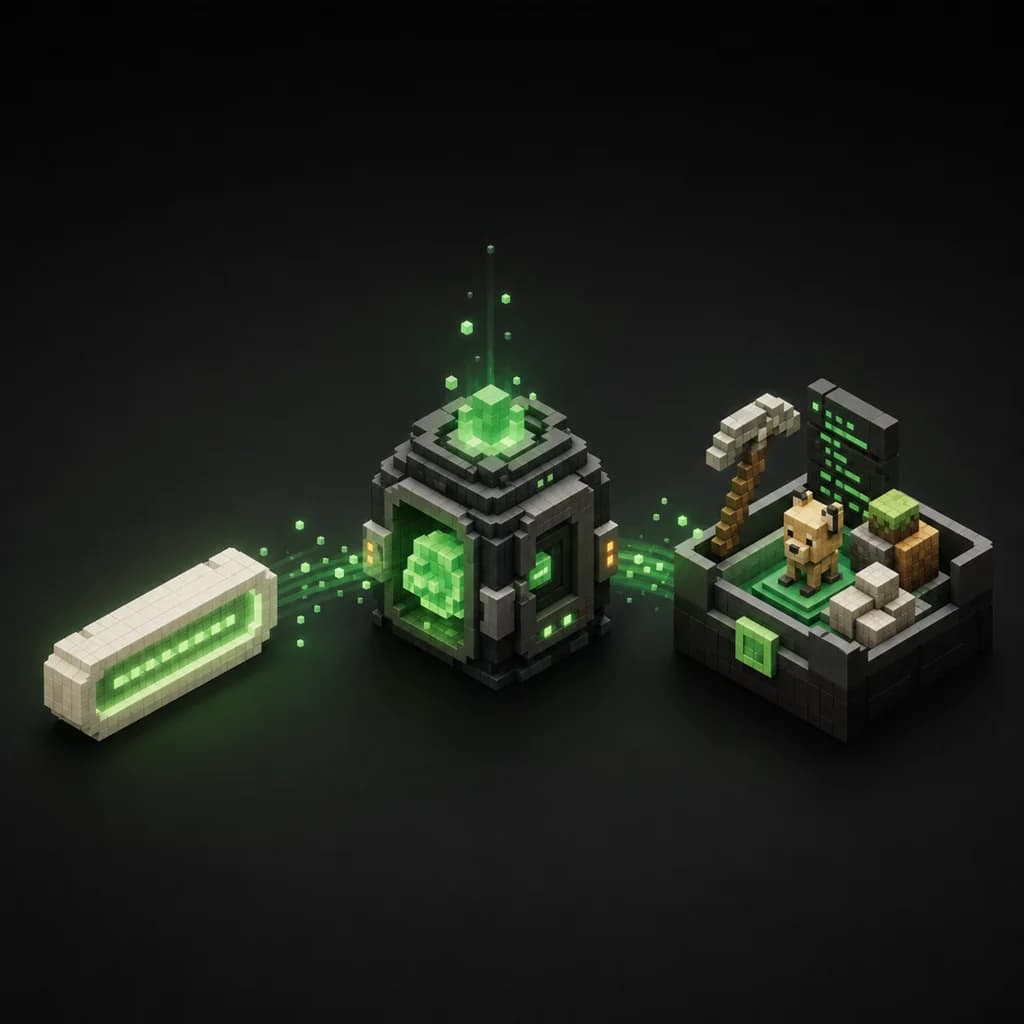
A written prompt turning into a small Minecraft scene with a tamed animal
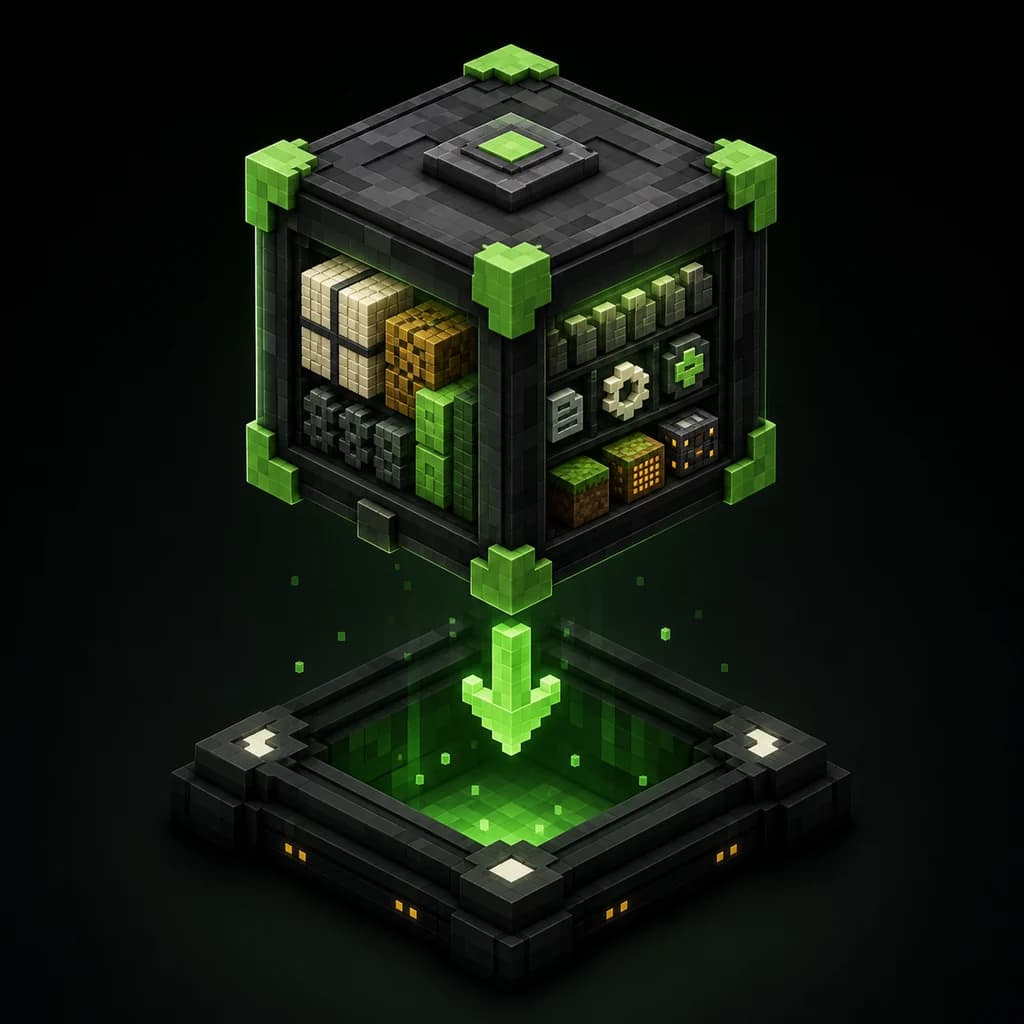
A glowing chest holding a finished Minecraft addon

What comes out of the chat

  • A behavior pack and a resource pack, packed as one .mcaddon file
  • Script code you can read, right in the chat
  • Painted cover art for the addon's own page
  • A download anyone can install, and a page you can share

How to install a .mcaddon

  1. 1.Download the .mcaddon file.
  2. 2.Open it. Minecraft starts and imports both packs on its own.
  3. 3.Create or open a world and activate the behavior pack and the resource pack.
  4. 4.Load the world. The addon is live.

Works with Minecraft Bedrock on Android, iOS and Windows. On console, join a world or Realm that already runs the addon; consoles cannot import files themselves. Java Edition uses mods instead of addons, so these packs stay on Bedrock.

What it costs

Every new account starts with free credits, and your first addon always finishes, even if they run out halfway through the build. If you build a lot, the Premium and Creator plans add more credits and more addon slots.

Questions, answered

Is AddonsAI free?

Starting out is free: new accounts get welcome credits, and the first addon always finishes even if the credits run dry mid-build. Paid plans exist for people who build a lot.

Do I need to know how to code?

No. You describe the addon in plain words and AddonsAI writes the JSON and the scripts. If you are curious, everything it wrote is readable in the chat.

Which devices does it work on?

The chat runs in any browser. The addons run in Minecraft Bedrock on Android, iOS and Windows. Console players can join a world or Realm that already has the addon installed.

Does it work with Java Edition?

No. AddonsAI builds Bedrock addons in the .mcaddon format. Java Edition uses a different mod system, so these packs do not run there.

How do I install a .mcaddon?

Download the file and open it. Minecraft imports the packs by itself; you activate them in your world's settings and load in.

Can I change an addon after it is built?

Yes. Keep chatting and AddonsAI rebuilds it with your changes. You can also remix any community addon and take it somewhere new.

Is it safe for kids?

Prompts pass a content filter before anything is built, and every download comes from AddonsAI itself, not from a third-party file host.
What should your addon do?